Shop connections
In short
A connection links your account at an online shop to Satelit, so it can import your purchases and fill the cart. Login details are kept encrypted and are never shown to anyone again. Satelit never places orders, and shop connections are off for now and coming back soon.
What is a shop connection?
A connection links your account at an online shop to Satelit. With it, Satelit can do three things, marked in the app like this:
- Import: brings purchases from the shop's history into Transactions, with each product.
- Prices: looks up products and prices in that shop.
- Cart: puts the products from your list into your cart at the shop.
Connections are in Menu → Shopping → Connections, on the Stores tab.
Does Satelit place orders?
No. Satelit places no order, in any shop. A connection imports history, looks up prices and, at most, fills the cart. The app also says this when you connect: “We can fill the cart, but you place the order in the store.”
You choose the order, the delivery time and the payment yourself, in the shop's app or website. Nothing in Satelit presses the order button for you.
Which shops appear in the list?
The list on the Stores tab includes Moldovan shops that sell online, grouped by category: Groceries, Electronics and appliances, Pharmacies, Beauty, Kids, Home and DIY, Sports and clothing, Pets.
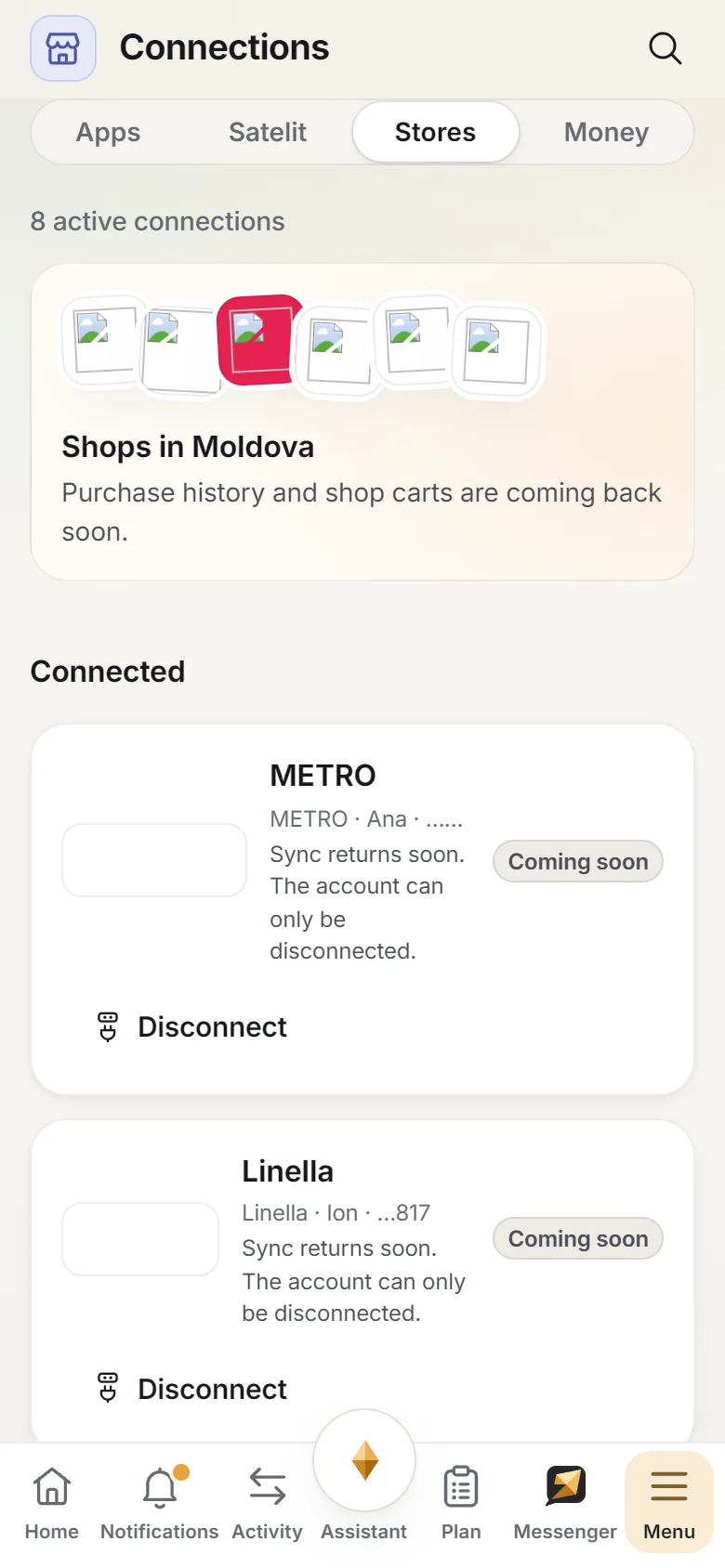
For some shops the connector already exists:
- METRO (metro.zakaz.md): import, prices and cart, with the account's phone number and password.
- Linella (linella.md): prices and cart, with a code received by SMS.
- George Standard (ggg.md): prices and cart.
- Apa Bună (apabuna.md): marked Coming soon.
The other shops that sell online appear with Coming soon. Shops without an online store, classified ad sites and price aggregators are not connections.
Can shops be connected now?
Not for now. All shop connections are off and appear with Coming soon: “Purchase history and shop carts are coming back soon.” New connections cannot be made, and older ones no longer sync.
A connection made earlier stays in the list with the message “Sync returns soon. The account can only be disconnected.” Purchases already imported stay in Transactions.
Meanwhile, prices from online shops work without a connection: in List with the Prices button and in Compare. See Lists and prices.
How are my login details kept?
Login details are sent encrypted, kept encrypted (AES-GCM) on the server and never shown again, not even to you. No part of the app and no server response returns them. The app shows only a masked part, for example the last digits: “…330”.
- Only family admins can connect accounts.
- Each connection belongs to the family it was made in. Its data does not reach another family.
- On Disconnect, the login details are deleted from the server. Imported expenses stay.
How do I add expenses without a connection?
Expenses come in without any shop connection too. The Money tab in Connections shows the ways: “From the bank, from a receipt photo or added by hand.”
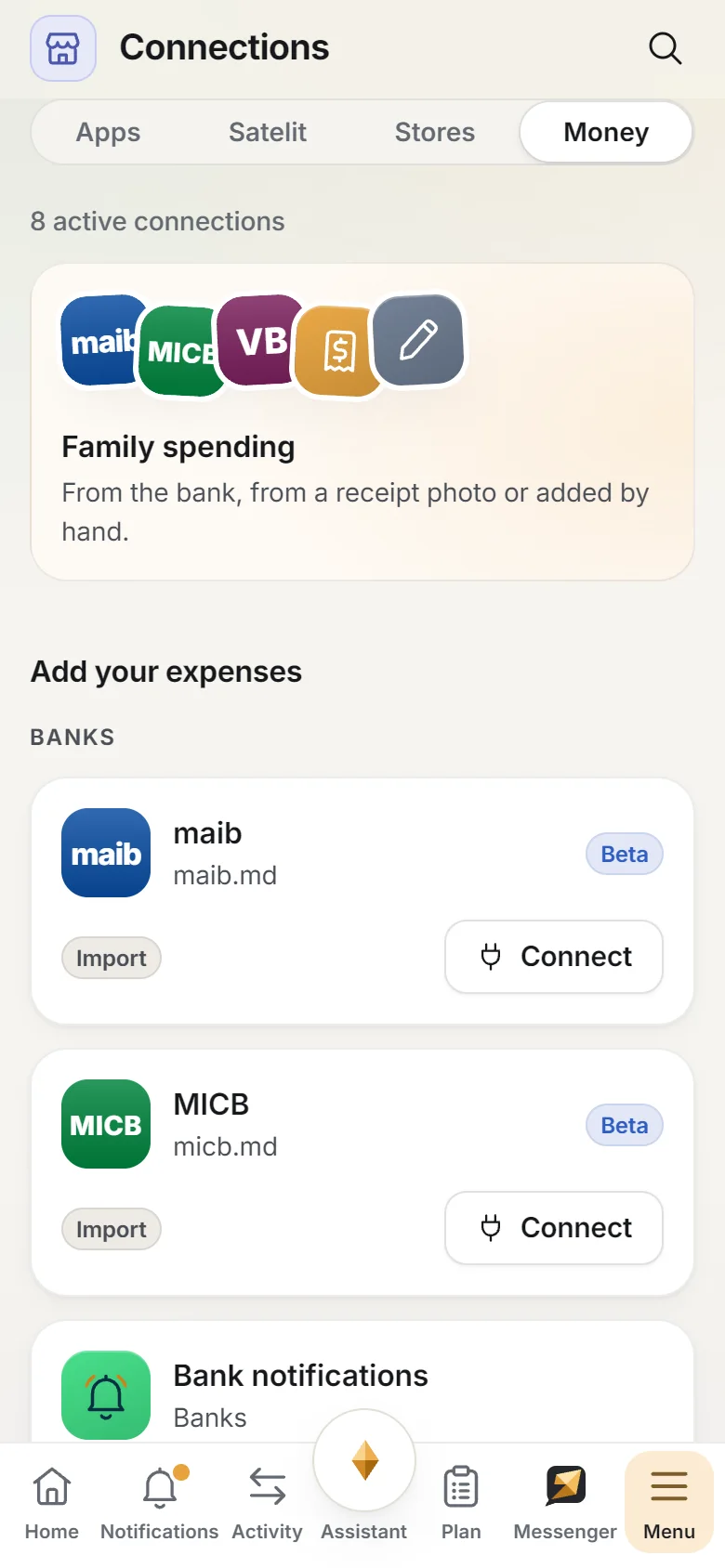
- By hand: Transactions → Add expense.
- From a receipt photo: Transactions → Scan receipt.
- From the bank: Transactions → Import statement, with the statement downloaded from your bank's app.
The banks maib, Moldindconbank and Victoriabank appear as Coming soon. The steps for each way are in Money and budgets.
What do a connection's statuses mean?
Each connection has a status: Active, Sign-in needed, Error or Syncing. Below it you see “Synced: …” or “Not synced yet”. While shops are off, the only action available is Disconnect.
If something goes wrong
I cannot tap Connect on a shop
The shop is marked Coming soon. Shop connections are off now and coming back soon. Use Prices from the list or Compare.
“Only family admins can connect accounts.” appears
Only the owner and admins can link accounts. Ask an admin or see Family and roles.
I want to remove my password from Satelit
Tap the shop, then Disconnect and confirm. The login details are deleted from the server.
New purchases from the shop no longer appear
Syncing with shops is off for now. Add your purchases with Scan receipt or by hand.
Frequently asked questions
Can Satelit place an order for me?
No. Satelit does not place orders in any shop. At most it can put the products in your cart, and you place the order yourself, in the shop's app or website.
Where is my shop password kept?
On the Satelit server, encrypted with AES-GCM. It is never shown again, neither to you nor to other members, and it is deleted when you disconnect.
Which shops can be connected?
The list in the app includes METRO, Linella, George Standard and Apa Bună, plus other Moldovan shops that sell online, marked Coming soon. Right now all shop connections are off and coming back soon.
Can I connect my bank?
Not yet: maib, Moldindconbank and Victoriabank appear in the list as Coming soon. Until then you can import the statement downloaded from your bank's app, from Transactions.
Who in the family can connect a shop?
Only family admins can connect accounts. Imported purchases then appear in the family's transactions.
What happens to a connection made before the pause?
It stays in the list only so you can disconnect it. It no longer syncs, and nothing it imported is deleted.
Read next
- Shopping lists and price comparisonHow to make a shopping list in Satelit, share it with your family or a friend, and see where it is cheaper in Moldova's online shops.
- Money and budgetsHow to record spending and income in Satelit, add accounts, set a monthly budget and category limits, and read your reports.
- Family, boards and rolesHow to invite members to the family or a board, what the Owner, Admin, Member and Viewer can do, and how to add a child to the family.