Satelit AI: the assistant and voice
In short
Satelit AI is the assistant in the app: you ask it in writing or by voice about spending, prices, lists or the menu, and it searches, calculates and prepares the actions. Anything that changes important data, for example a receipt saved as an expense or a deletion, happens only after you tap the confirmation. Each answer uses tokens from the family's plan.
What is Satelit AI?
Satelit AI is the assistant in the Satelit app: you write or speak to it in Romanian, Russian, English or Ukrainian, and it answers with text and with cards you can tap. You open it from Assistant. It answers in the language you wrote in.
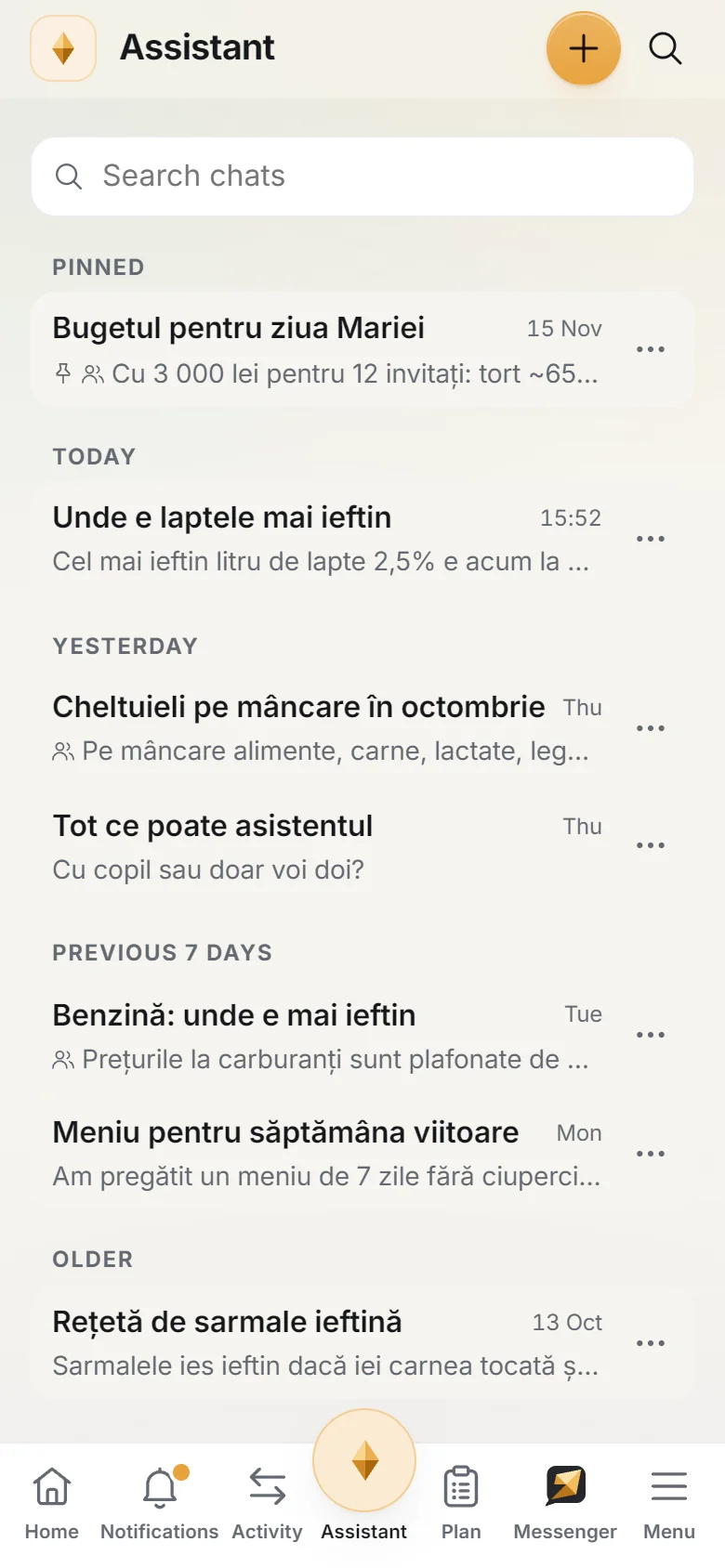
The assistant works with the family's data and with your rights. What you are not allowed to see in the family or the board, it does not see for you either.
What can the assistant do?
The assistant can read, search and prepare almost anything in the app. A few examples:
- Money: shows the month's spending by category, member and shop; finds and adds transactions; moves money between accounts; shows and sets budgets; keeps track of recurring payments.
- Receipts and statements: reads a receipt photo or a bank statement and prepares the expenses for confirmation.
- Lists: shows lists, adds and checks off products, puts a recipe's ingredients in the list.
- Prices: looks up a product in Moldova's online shops, shows the cheapest unit price, the price history and discounts; watches a price for you.
- Meals and calendar: makes the menu for a week or a month from today's prices, adds events to the calendar.
What it does not do, on purpose: it does not change the password, two-step verification or sessions, and it does not delete the account. For settings, plan and connections it takes you to the right screen.
When does the assistant ask for my confirmation?
The assistant asks for your confirmation before actions that save something important or that cannot be easily undone. It prepares a card with everything it will do, and the action runs only after you tap the button on the card.
These need confirmation, for example:
- a receipt from a photo saved as an expense, and the import of a bank statement;
- deleting a transaction, a recurring payment or a product from a list;
- a menu for a week or a month;
- a cart prepared at a shop (it never places the order).
The card shows the status: Saving…, then Done or Cancelled. If the answer does not arrive, “The answer did not arrive. Try again, nothing is added twice.” appears. The assistant is not allowed to say “added” before you tap.
How do I talk to the assistant?
You can dictate a message or hold a spoken conversation.
- In Assistant, tap Dictate to say the message instead of typing it.
- For a spoken conversation, tap Talk to the assistant. The bar shows Listening.
- Say your question. The assistant shows Thinking, then Answering, and speaks the answer to you.
- You can continue without tapping (“Still listening”) or tap Done, send or Stop the voice.
The answer plays through the Speaker or At the ear. Voice is only for signed-in users, and its cost comes from the family's tokens. If you see “The assistant's voice is not on for your family yet.”, what you say is written into the message, and the answer comes on screen.
Can I use Satelit as the assistant on Android?
Yes. On Android, Satelit can be the phone's digital assistant app: in the phone's settings, under default apps, choose Satelit as the digital assistant app. Then you start it with the power button, over any screen.
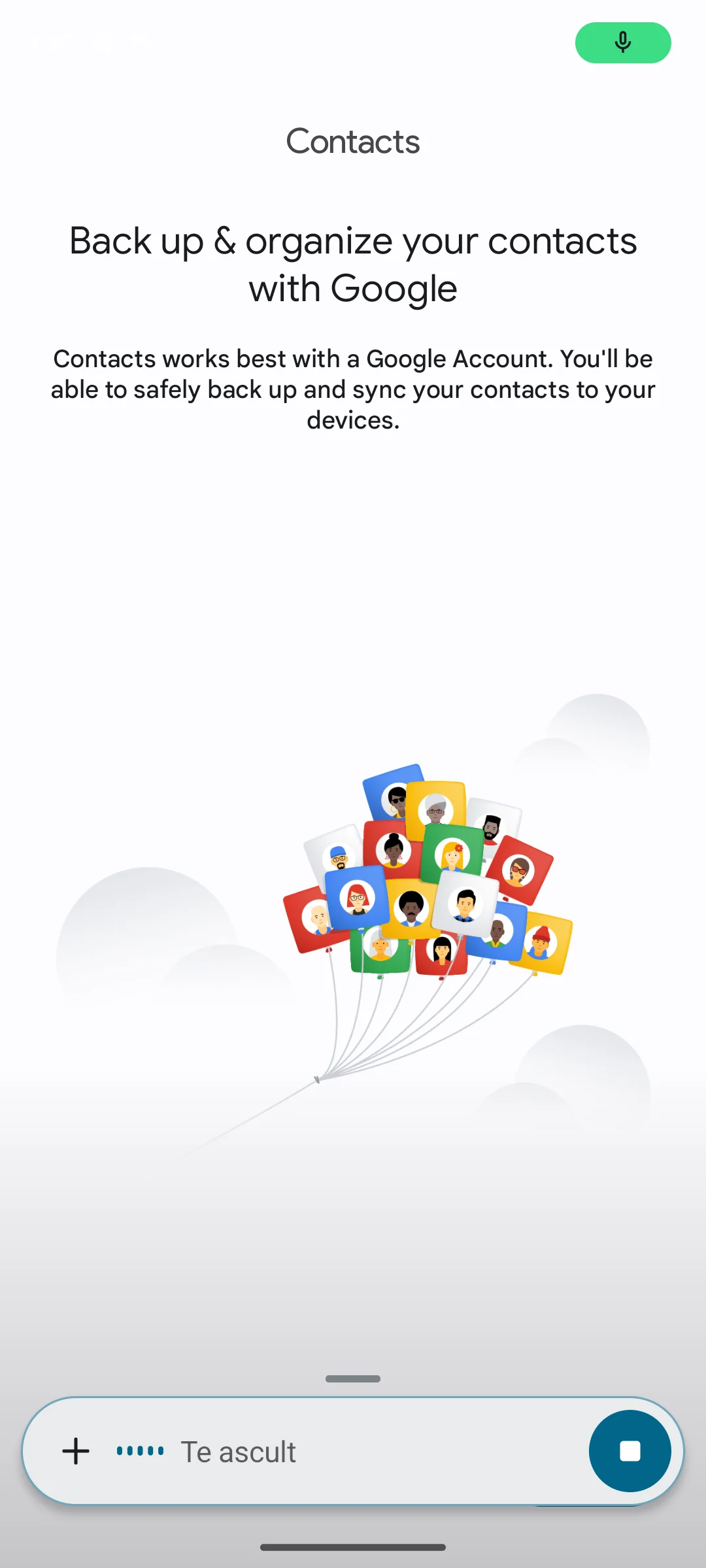
The assistant is drawn natively in your phone's colours: type, dictate or start the voice mode, and the answer opens in a card above the field. While no answer is open, shortcuts to the app's screens sit above it; you choose them in the voice settings. More in Android and Wear OS.
With the phone locked, the assistant uses only what anyone holding the phone could find out: the weather, exchange rates, shop prices, news. For the family's money and lists it asks you to unlock the phone.
What does the assistant know about the family?
The assistant remembers what you tell it to keep, for example what a child does not eat. You see and delete everything in What the assistant knows. Notes marked Only me are seen only by you and are used only in your private conversations.
Children get answers suited to their age. When a child is speaking, the assistant does not make purchases, does not fill the cart, does not use the smart home and sends nothing outside the family. Details in Family and roles.
How is the assistant paid for?
Each answer from the assistant and the voice, and each receipt or PDF statement read, uses tokens from the family's monthly plan. The plans are Free, Family, Family Plus and Family Max; each has its own tokens per month. You see the plan and how much you have used in Subscription. A phrase already spoken and kept costs nothing the second time.
If something goes wrong
“The assistant’s tokens are used up this month.” appears
The message was not sent. Tap See plans to choose a bigger plan, or wait for the next month. You can also add expenses manually, without the assistant.
“Satelit AI needs the internet.” appears
The assistant does not work without a connection. When the internet is back, tap Resend.
The microphone does not work
If you see “The microphone is not allowed.”, turn it on in the browser settings. If the browser has no dictation, use Chrome, Edge or Safari, or type the message.
The answer stopped halfway
“Answer interrupted.” or “The answer didn't finish.” appears. Tap Try again.
Frequently asked questions
Can Satelit AI place an order in a shop?
No. The assistant can look up prices and, with your confirmation, prepare the cart, but you place the order yourself, in the shop's app.
Who sees my conversations with the assistant?
Only you see a Private conversation. The whole family sees a Family one. You can switch at any time with Share with family or Make private.
What happens when the tokens run out?
The message is not sent and “The assistant’s tokens are used up this month.” appears. You can choose a bigger plan in Subscription or wait for the next month.
Can I close the app while the assistant is answering?
Yes. The answer continues on the server and stays in the conversation. When you come back, you find it there.
Does the assistant see transactions I have no right to see?
No. The assistant works with your rights in the family or board. If you see only your own records, the assistant sees only those too.
Does voice work in every browser?
The browser's free dictation works in Chrome, Edge and Safari. In Firefox, type the message.
Read next
- Money and budgetsHow to record spending and income in Satelit, add accounts, set a monthly budget and category limits, and read your reports.
- Shopping lists and price comparisonHow to make a shopping list in Satelit, share it with your family or a friend, and see where it is cheaper in Moldova's online shops.
- Family, boards and rolesHow to invite members to the family or a board, what the Owner, Admin, Member and Viewer can do, and how to add a child to the family.