Satelit for iPhone and iPad
In short
Satelit for iPhone and iPad is the Satelit app with everything the web version has, plus what only the phone can do: earthquake and drone alerts that can ring like an alarm, Siri commands, widgets, Apple Health and Apple Watch. It works from iOS 16 and iPadOS 16. You sign in with the same account as on app.satelit.md, and the data is the same.
What is Satelit for iPhone and iPad?
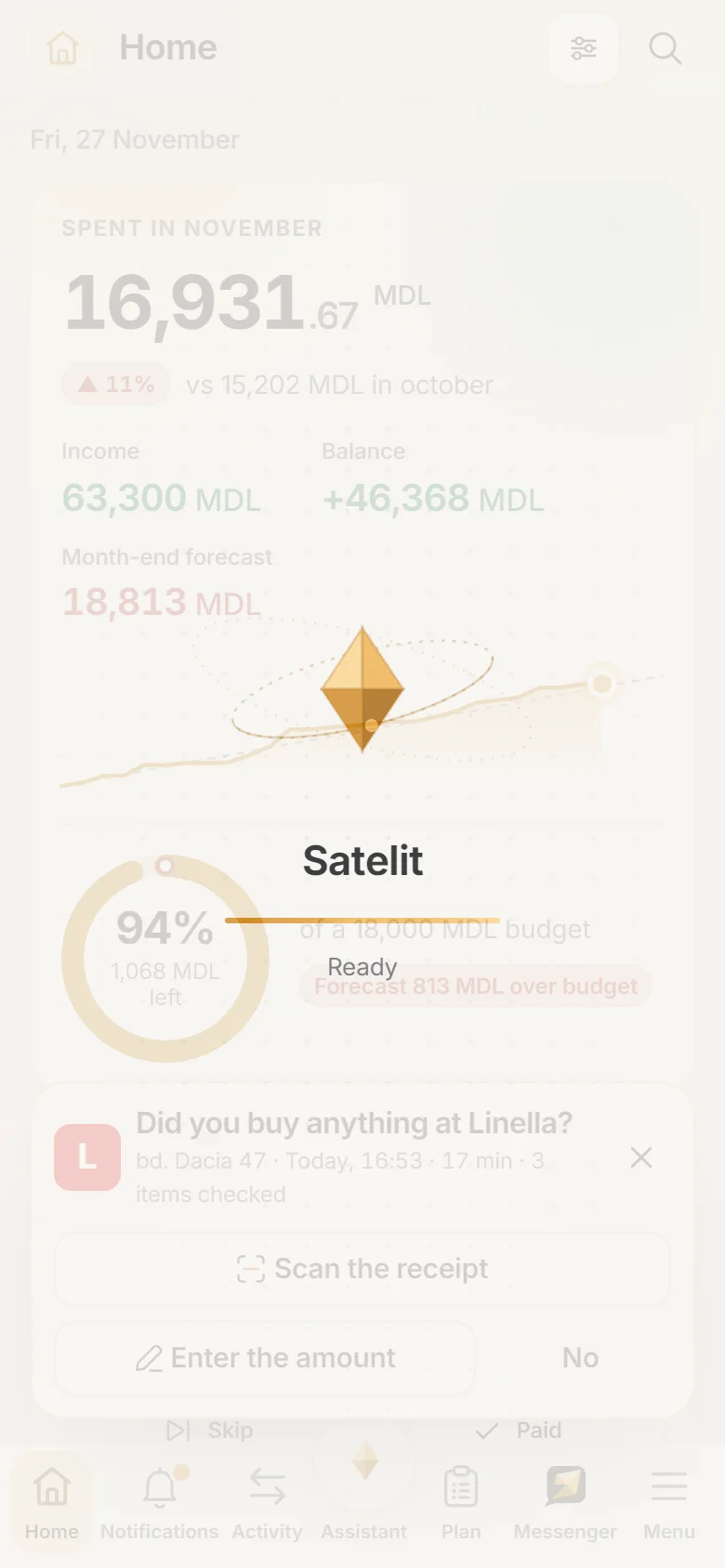
Satelit for iPhone and iPad is the Satelit app in its form for Apple phones and tablets. The screens are the same as on app.satelit.md: Home, Money, Lists, Satelit AI, Notifications and the others. The app adds what only an iPhone can do: alerts that can get past silent mode, Siri, widgets, Apple Health, Apple Watch and a shopping list that opens by itself in the store.
The app loads the current version of Satelit, so a change made on the web also appears on the phone, without a new version from the store.
Where do you find the app?
Satelit for iPhone, iPad and Apple Watch is ready for the App Store, and on satelit.md it carries the label “Coming soon to App Store”. Until then, you use Satelit in Safari, at https://app.satelit.md, with the same account (see Satelit in the browser).
How do you sign in?
You sign in with the same account as in the browser.
- Open Satelit.
- Choose your password, a passkey or one of the providers: Google, Facebook, Telegram or Apple.
- For a provider, the iPhone opens a system sign-in window. After you confirm, you return straight to the app.
Satelit does not see the password of your Google, Facebook, Telegram or Apple account.
What do you get beyond the browser?
Emergency alerts. Earthquakes, drones, war risk, smoke and water leaks at home arrive as alerts. On iOS 26 and newer, the alert rings like an alarm, over silent mode and over Focus, on the system's alarm screen. On iOS 16–25 it arrives as an urgent notification. For it to also get past Do Not Disturb, you must allow “Time Sensitive Notifications” for Satelit in the iPhone's Settings.
Siri and Shortcuts. You can say:
- “Ask Satelit”: starts a new conversation with Satelit AI and sends the question.
- “Talk to Satelit”: opens Satelit AI ready to listen.
- “Add to my Satelit list”: Satelit AI puts the product on the right list.
- “Log a payment in Satelit”: opens a new expense, filled in with the amount and the place.
Each command opens the app. Nothing is saved without you seeing the page. The Action button (iPhone 15 Pro and newer, iOS 17) can run any of them, if you set it up. On iOS 18 you can also add a “Satelit AI” button to Control Center.
Wallet payments. The iPhone does not let any app read the bank's notifications. Instead, in the Shortcuts app you create a “Transaction” automation (iOS 17) that runs “Am plătit” (I paid) with the amount and the merchant. Satelit opens the filled-in expense, and you check it and save it.
Icon shortcuts. Long-press the Satelit icon: “Satelit AI”, “Lists” and “New expense”.
“Send to Satelit”. From the share menu of any app you send a text, an address or a photo to Satelit.
The list in the store. If you allow location “Always”, the shopping list opens by itself when you walk into a store, even with the app closed. Your position stays on the phone.
The camera reads the barcode on discount cards and on receipts.
Apple Health brings steps, sleep, heart rate, weight and other values into Health, only the ones you allow.
Widgets and Apple Watch. All the cards on Home can sit on the home screen, on the lock screen and on the watch. See Widgets and complications and Satelit on Apple Watch.

What does Satelit do on iPad?
On iPad, Satelit uses the whole screen: Split View, Slide Over, Stage Manager and several windows at once. It works with the keyboard and the pointer. The extra-large widget exists only on iPad. With Handoff, a page open on the iPhone continues on the Mac and the other way round.
What can Satelit not do on iPhone?
Some things the Android app does are not allowed by iOS:
- Satelit cannot replace Siri as the phone's assistant. Siri runs Satelit's commands by their phrases.
- Satelit cannot always listen for the word “Satelit” with the app closed.
- Satelit cannot read other apps' notifications, which is why payments come through the Wallet automation.
- Satelit cannot change the system volume.
If something goes wrong
I do not get any notifications
Open Notifications → Settings in Satelit and turn notifications on there. If you refused them earlier, go to the iPhone's Settings → Notifications → Satelit and turn them on. While Satelit is open on screen, notifications do not appear as a banner: you see them in the app.
The alert is silent when the phone is on Do Not Disturb
On iOS 16–25, allow “Time Sensitive Notifications” for Satelit in the iPhone's Settings. Then tap “Check the alert”: below the button it says how the alert sounds on this phone.
The app shows “No connection”
The phone has no network and the app has no saved data yet. Tap “Try again” or wait: the page loads by itself when the network returns.
Siri does not find the Satelit command
Open Satelit once after installing it, so the iPhone learns the commands. Say the phrase exactly: “Ask Satelit”.
Frequently asked questions
From which iOS version does Satelit work?
Satelit works on iPhone and iPad from iOS 16 and iPadOS 16. Some features need a newer version: interactive widgets and StandBy need iOS 17, the Control Center control needs iOS 18, and the alert as an alarm needs iOS 26.
Do I need another account for the iPhone app?
No. You sign in with the same account as on app.satelit.md: with your password, with Google, Facebook, Telegram or with Apple. You see the same data as in the browser.
Can Satelit turn up the phone's volume for an alert?
No. On iPhone, an app cannot change the system volume. On iOS 26 and newer, the alert rings like an alarm, even with the phone on silent.
Can I buy a plan in the iPhone app?
No. The App Store version has no payment button. A plan bought on the web also works in the app.
Why do I not see Satelit Crypto in the iPhone app?
The App Store and TestFlight version has neither Satelit Crypto nor Meet. The rest of the app is the same.
Does Satelit work without internet on iPhone?
Yes. After the first start, the app keeps the data on the phone and sends what you add when the network returns. On a first start without a network, it uses the copy inside the app.
Read next
- Satelit on Apple WatchHow Satelit works on Apple Watch: the cards sent by the iPhone, complications on the watch face, Smart Stack, and earthquake and drone alerts on your wrist.
- Widgets and complicationsHow to add Satelit widgets on iPhone, iPad, Android, Mac and Windows and complications on Apple Watch, what each shows and how amounts stay hidden.
- Health: the family's health dataWhat Health keeps in Satelit, how to connect Apple Health or Health Connect, how to share a card with family or a doctor and how data is protected.
- The web app app.satelit.mdHow to use Satelit in the browser at app.satelit.md, how to install it on your phone's or computer's home screen and how it updates itself.