Satelit Help
Satelit Help: the apps and features, step by step
Everything about Satelit, step by step: the app for every device and every feature, with pictures and answers to common questions.
Getting started
Your account, signing in and your first minutes in Satelit.
Apps
Satelit on every device: phone, watch, computer, browser, speaker.
- The web app app.satelit.mdHow to use Satelit in the browser at app.satelit.md, how to install it on your phone's or computer's home screen and how it updates itself.
- Satelit for iPhone and iPadWhat the Satelit app does on iPhone and iPad: alerts that get past silent mode, Siri, widgets, Apple Health, a list that opens in the store.
- Satelit on Apple WatchHow Satelit works on Apple Watch: the cards sent by the iPhone, complications on the watch face, Smart Stack, and earthquake and drone alerts on your wrist.
- Satelit for MacWhat Satelit for Mac does: the menu bar, the Satelit AI panel with ⌥⌘S, urgent alerts above every window, widgets and keyboard shortcuts.
- Satelit for Android and Wear OSWhat the Satelit app does on an Android phone and a Wear OS watch: widgets, emergency alerts, waking to “Satelit”, the phone's assistant.
- Satelit for WindowsWhat the Satelit app does on Windows: the system tray, the Win+J keys, waking to “Satelit”, the widgets and controlling the PC from your phone.
- The Satelit browser extensionHow to install the Satelit extension in Chrome, Edge, Firefox or Safari, what it shows on a product page, which permissions it asks for and what it sends.
- Messenger Satelit: encrypted messages and callsHow Messenger Satelit works: on-device encryption explained simply, calls, files, the recovery code and adding another device.
- Satelit Box and ESP32 speakersWhat Satelit Box is, how to connect an ESP32 speaker running Satelit to the family account, what you can ask it and what happens to your voice.
Features
What Satelit does and how to use each part.
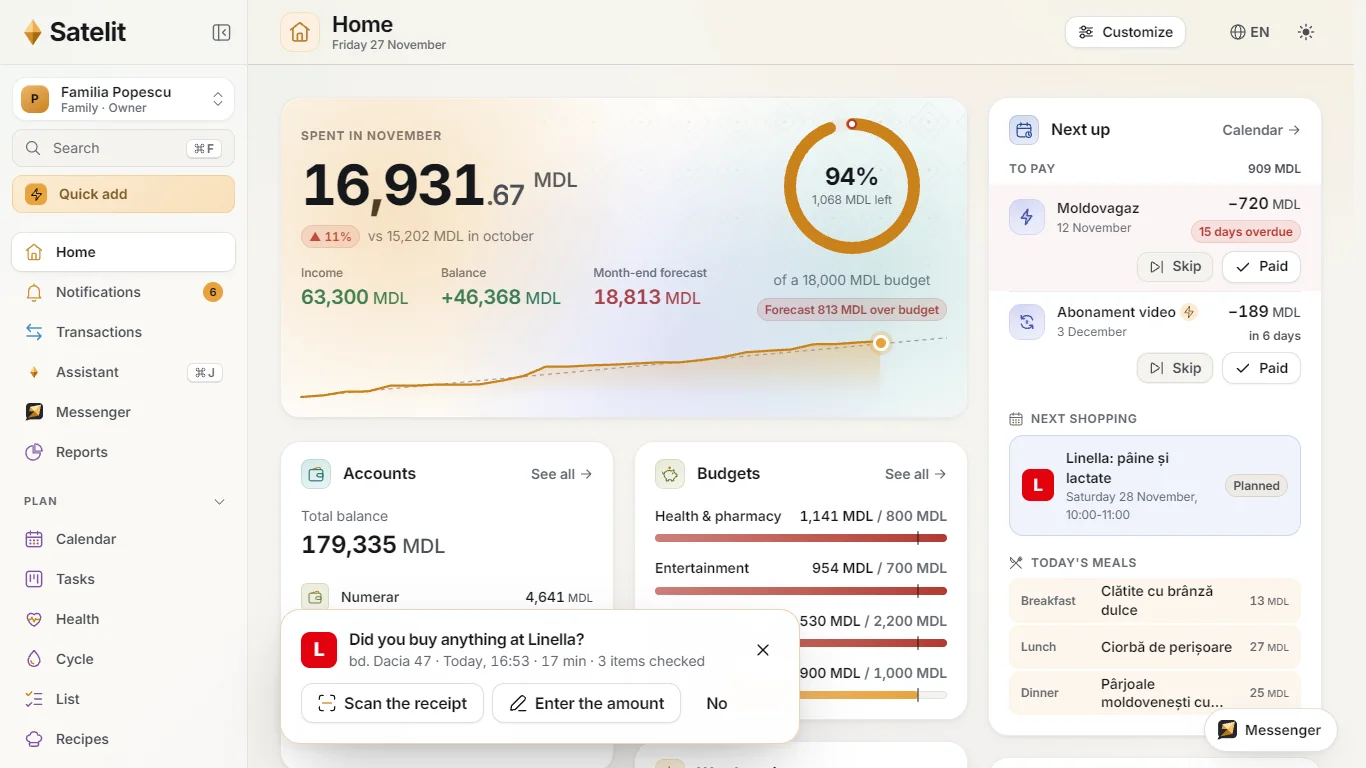
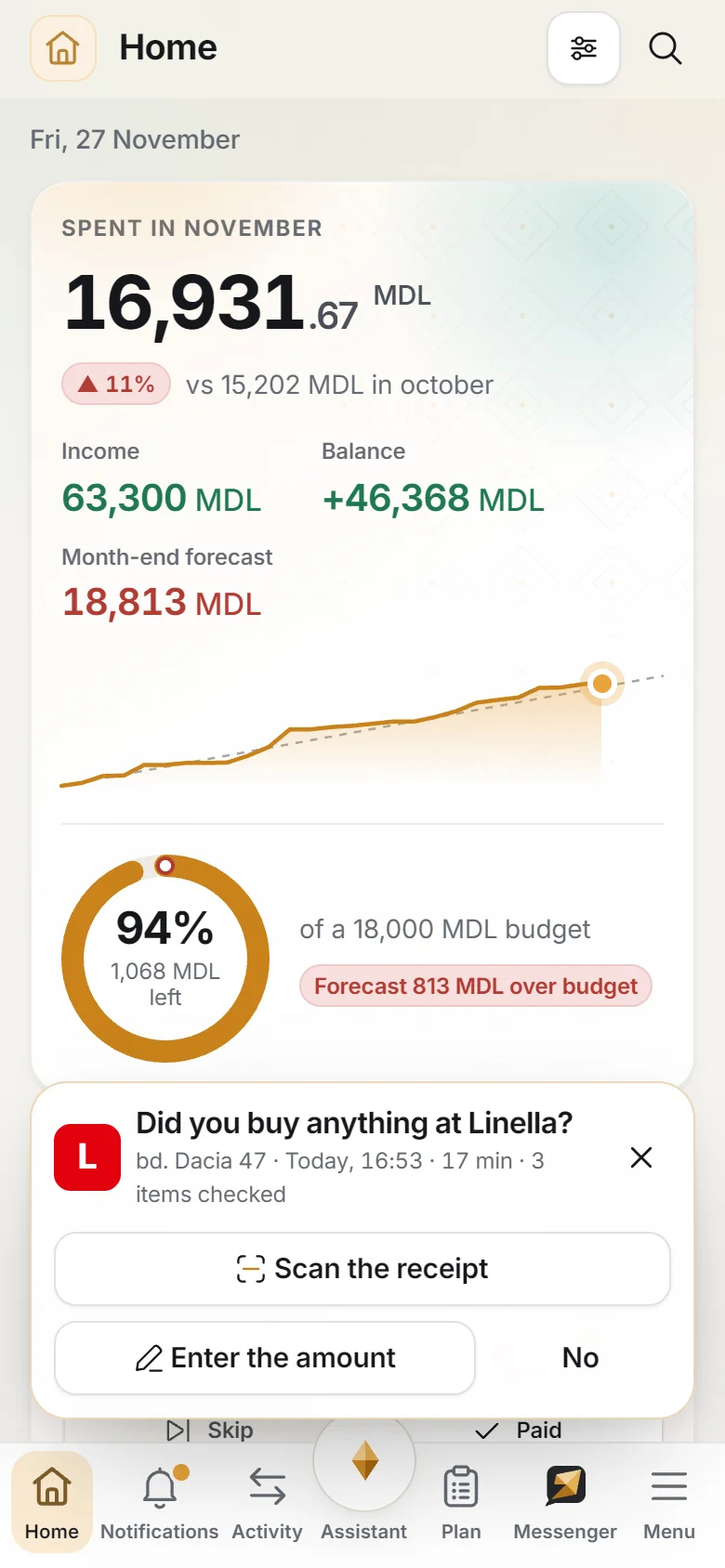
- Money and budgetsHow to record spending and income in Satelit, add accounts, set a monthly budget and category limits, and read your reports.
- Family, boards and rolesHow to invite members to the family or a board, what the Owner, Admin, Member and Viewer can do, and how to add a child to the family.
- Shopping lists and price comparisonHow to make a shopping list in Satelit, share it with your family or a friend, and see where it is cheaper in Moldova's online shops.
- Shop connectionsWhich shops can be linked to Satelit, what is imported from them, how login details are kept encrypted and why Satelit never places orders.
- Satelit AI: the assistant and voiceWhat Satelit AI can do with the family's money, lists and prices, how you talk to it, what needs your confirmation and how plan tokens are used.
- Alerts: earthquakes, drones and notificationsHow Satelit sends you earthquake alerts from Vrancea and drone alerts near Moldova, how to choose your notifications and set quiet hours.
- Health: the family's health dataWhat Health keeps in Satelit, how to connect Apple Health or Health Connect, how to share a card with family or a doctor and how data is protected.
- Widgets and complicationsHow to add Satelit widgets on iPhone, iPad, Android, Mac and Windows and complications on Apple Watch, what each shows and how amounts stay hidden.
- Privacy and securityHow Satelit protects shop passwords, requests between the app and the server, and your account: who sees what in the family, devices, 2FA, passkeys.
- Exporting your data and deleting your accountHow to download your data from Satelit, how to delete your account for good, what is deleted at once, what stays in the family and what happens to it.
- Satelit without internetWhat you can do in Satelit without internet, how expenses and lists added offline are saved and how they go to the server once the network is back.